
Open Flights
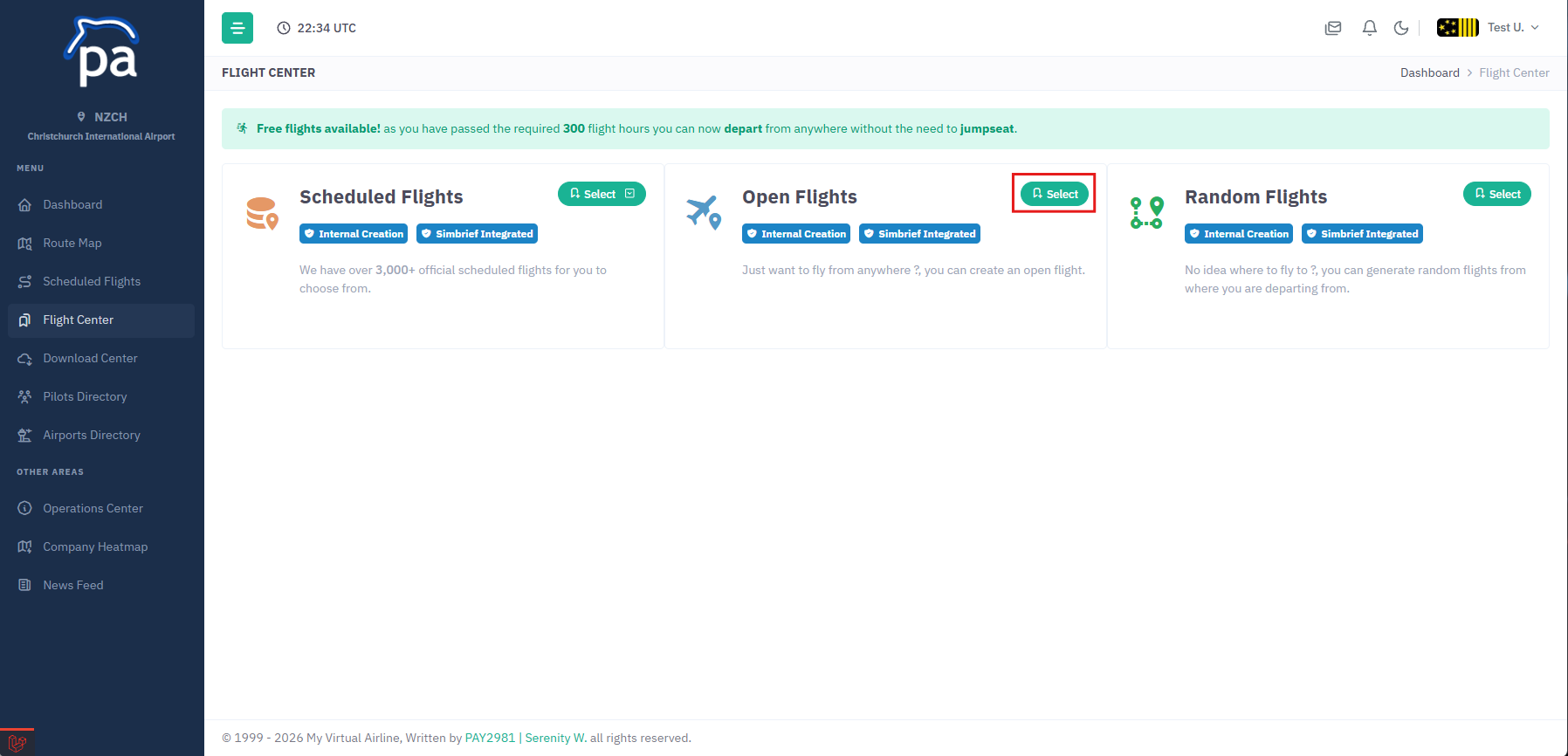
To create a open flight you first click on Flight Center, you can then click on the Select button next to the Open Flights button.
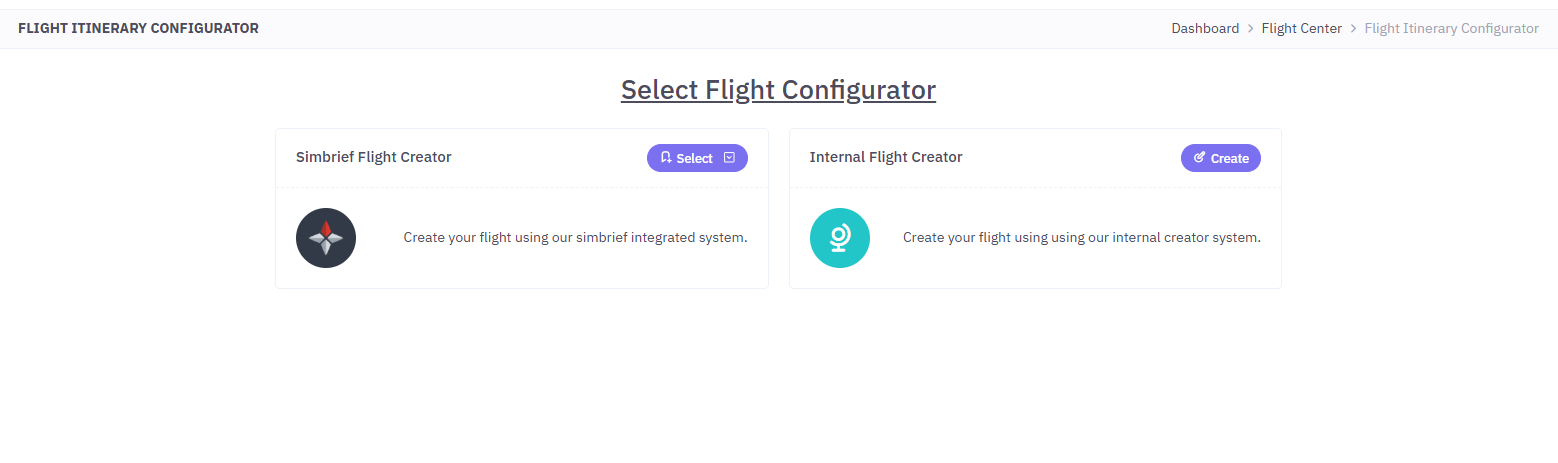
You have 2 different systems to choose from, you can either select Simbrief Flight Creator or Internal Flight Creator.
if you select Simbrief Flight Creator you will see the following:
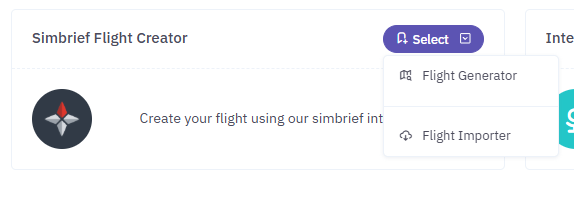
Using Flight Generator will allow you to fill out a form for your flight in which it will then syncronize with your simbrief account and then will proceed to generate your flight.
Alternativly if you select Flight Importer you can generate your flight on simbrief and then it will be imported into your flight.
Using the Internal Flight Creator will utilize our internal flight generator system.