
Random Flights
Please note: pilots must have 300+ flight hours to use this feature.
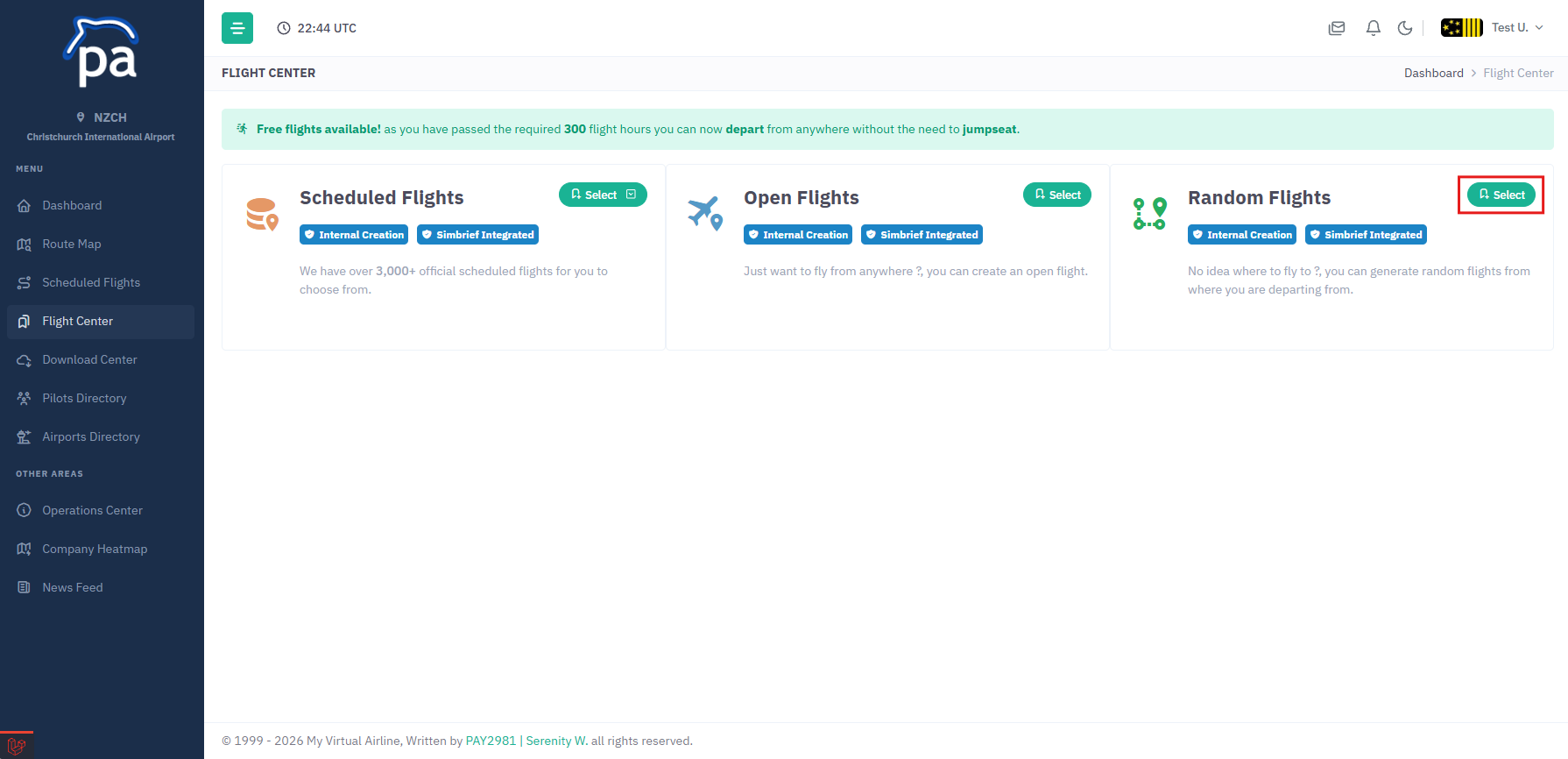
To create a random flight you first click on Flight Center, you can then click on the Select button next to the Random Flights button.
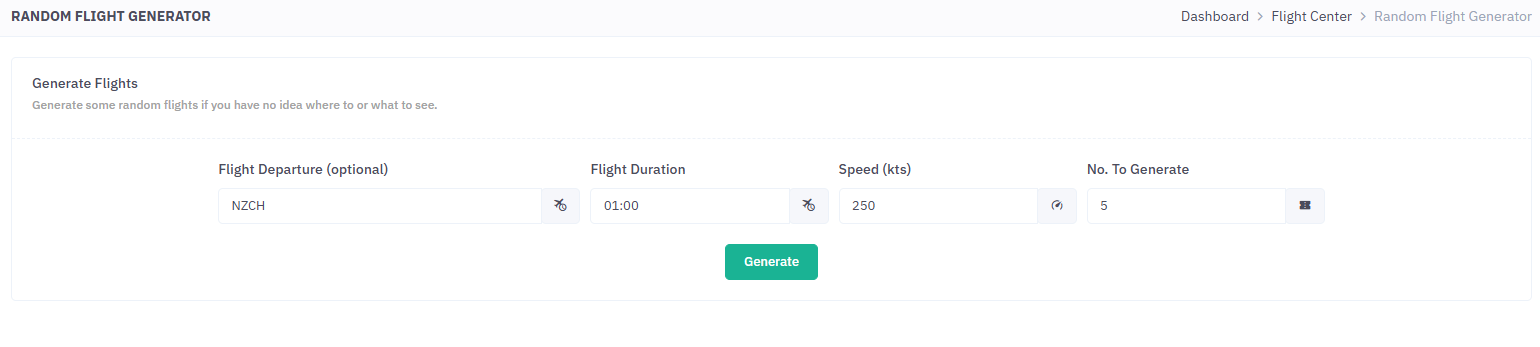
Here you have a few options to help generate random flights, they are:
- Flight Departure
- Flight Duration
- Speed
- Number of flights to generate
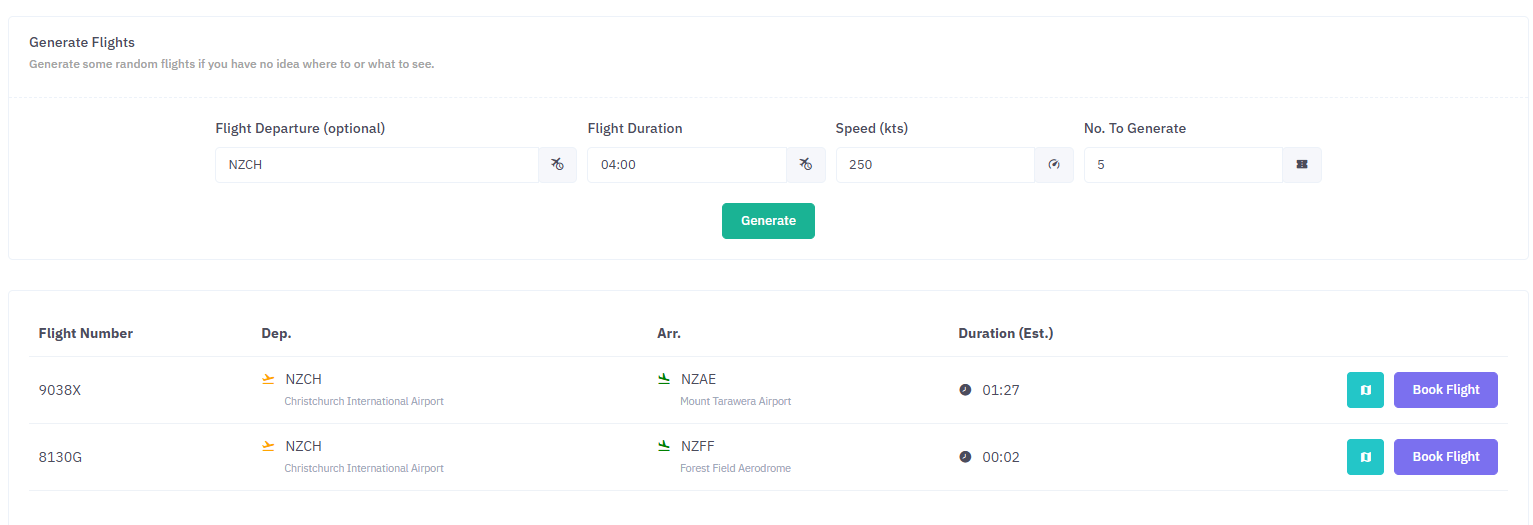
Then click the Generate button, this will then generate some random flights with the data you provided.
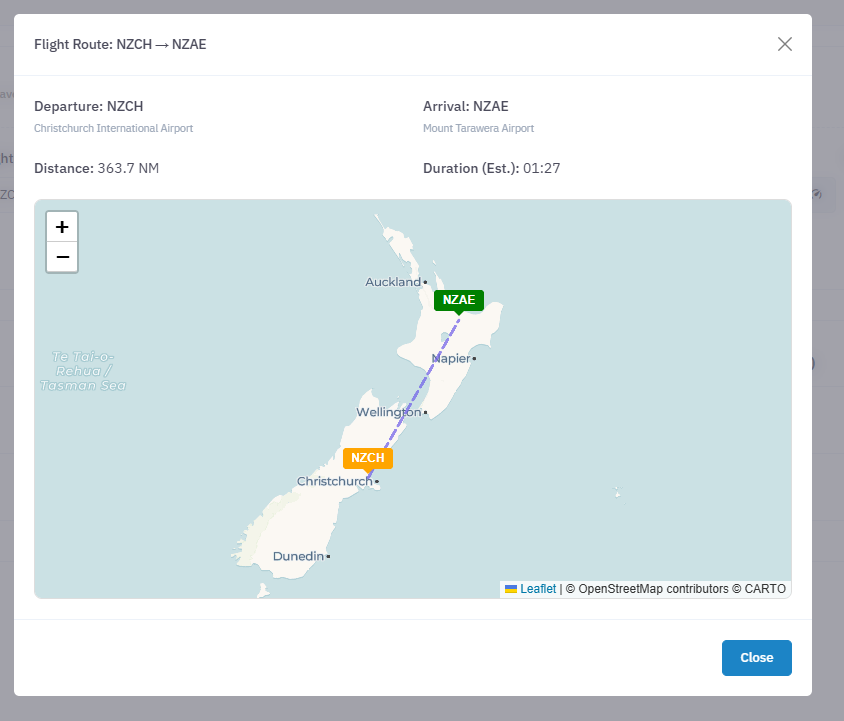
You can click on the Map button to view the flight departure/arrival.
To book the flight click on the Book Flight button this will create the flight in which you can select Simbrief Flight Creator or Internal Flight Creator options.
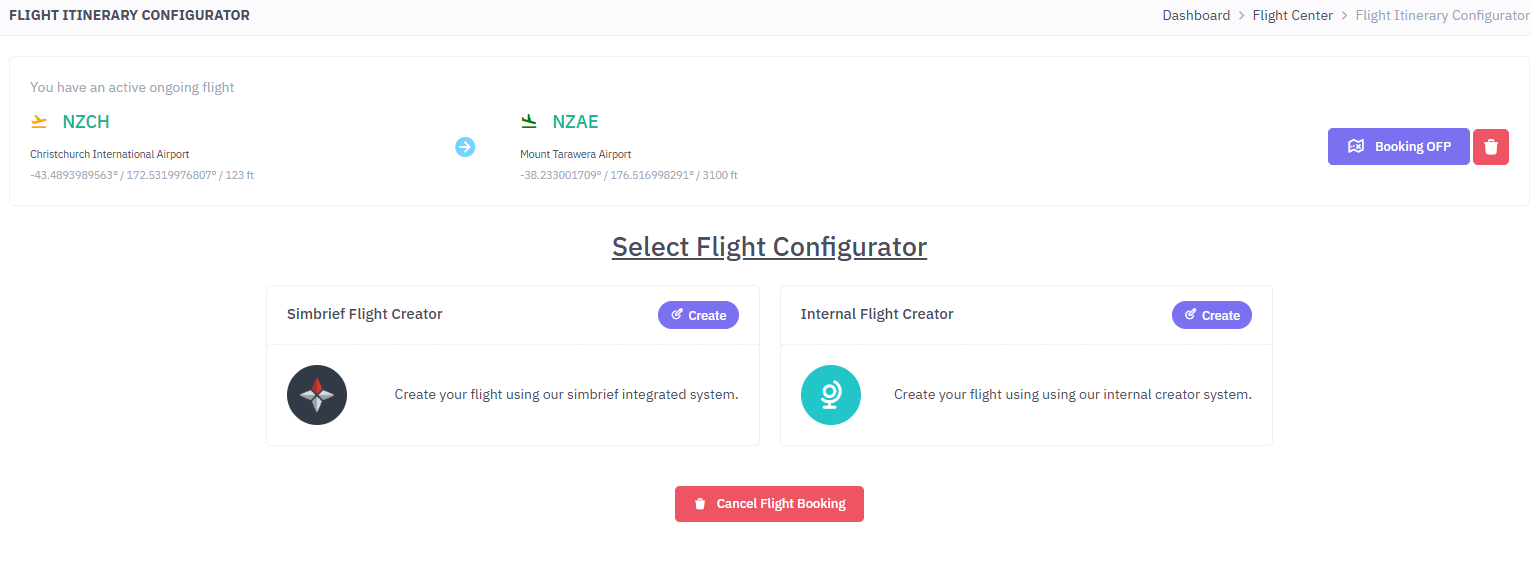
And thats it, you can click on the Cancel Flight Booking or the Trash Icon to delete the booking if you dont want to fly that flight.