Scheduled Flights
To create a scheduled flight you first click on Flight Center, you can then click on the Select button next to the Scheduled Flights button.
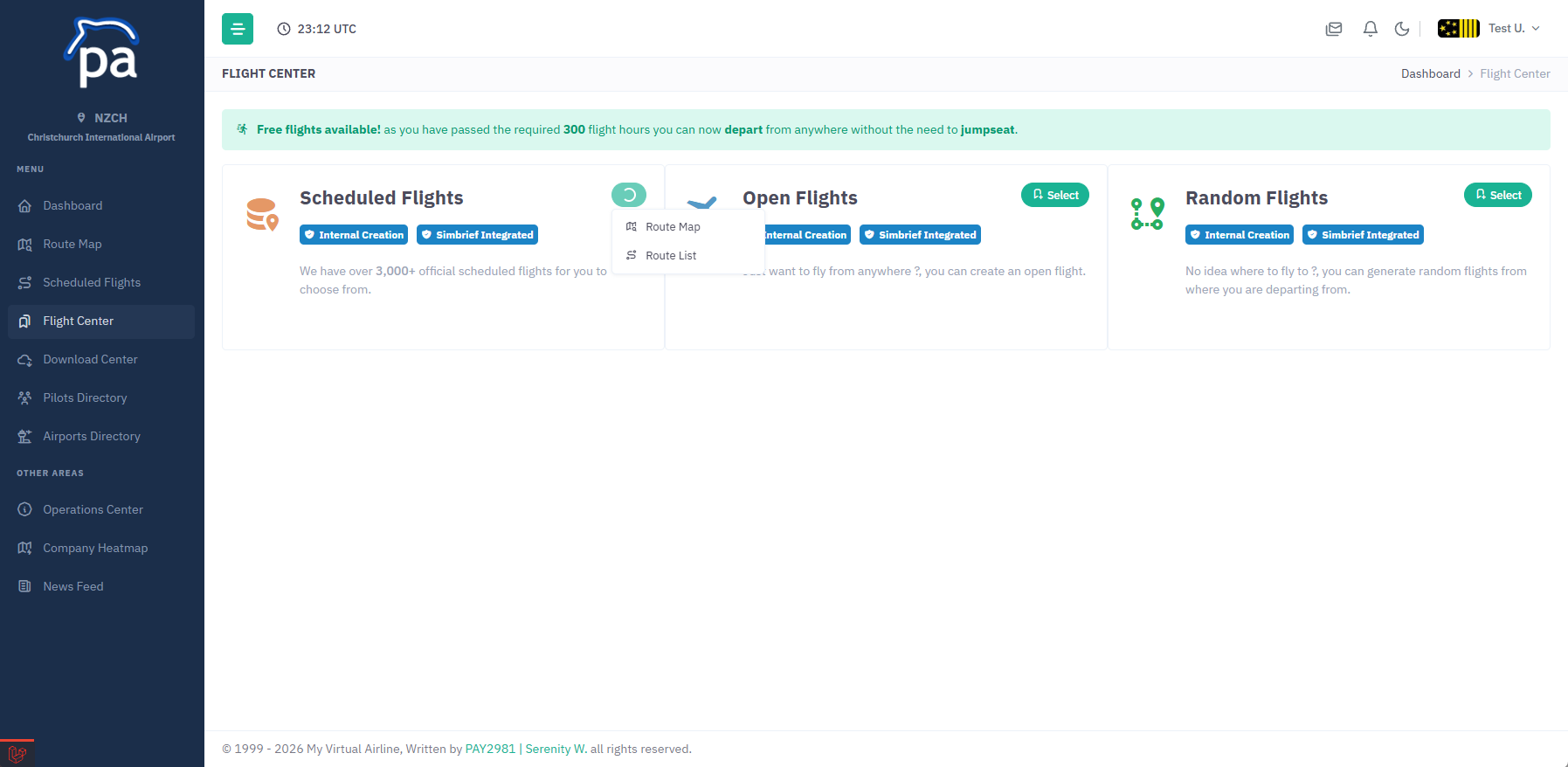
You have two options, Route Map or Route List these will allow you to either see our map locations or a list of available flights.
Once you have chosen a location click on the View Details button to load the flight information.
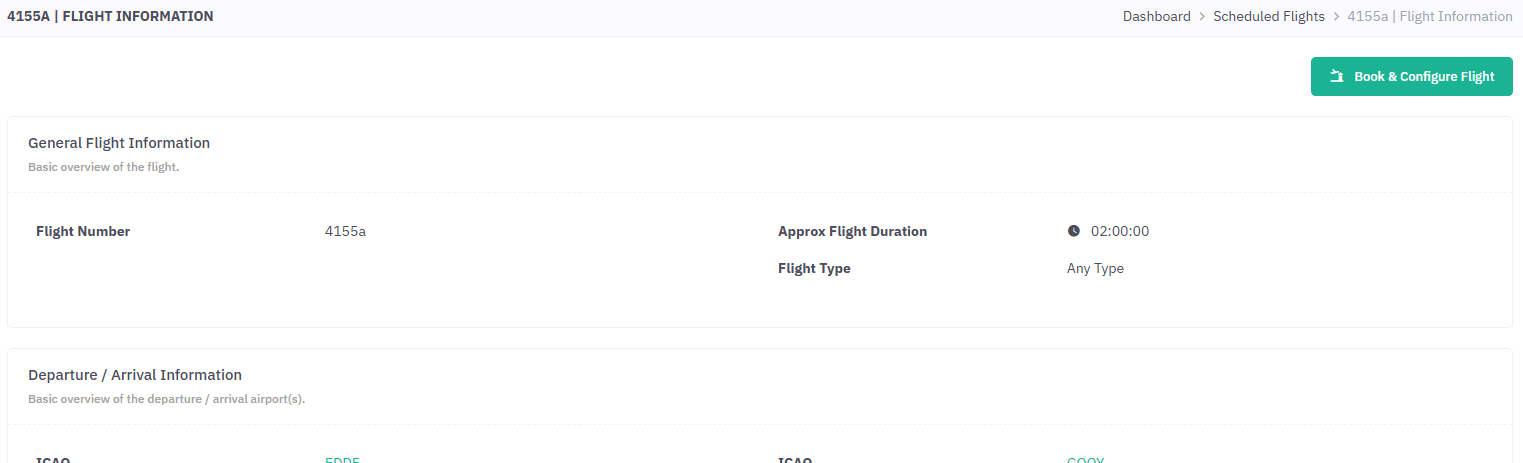
When your ready to book the flight click on the Book & Configure Flight button.
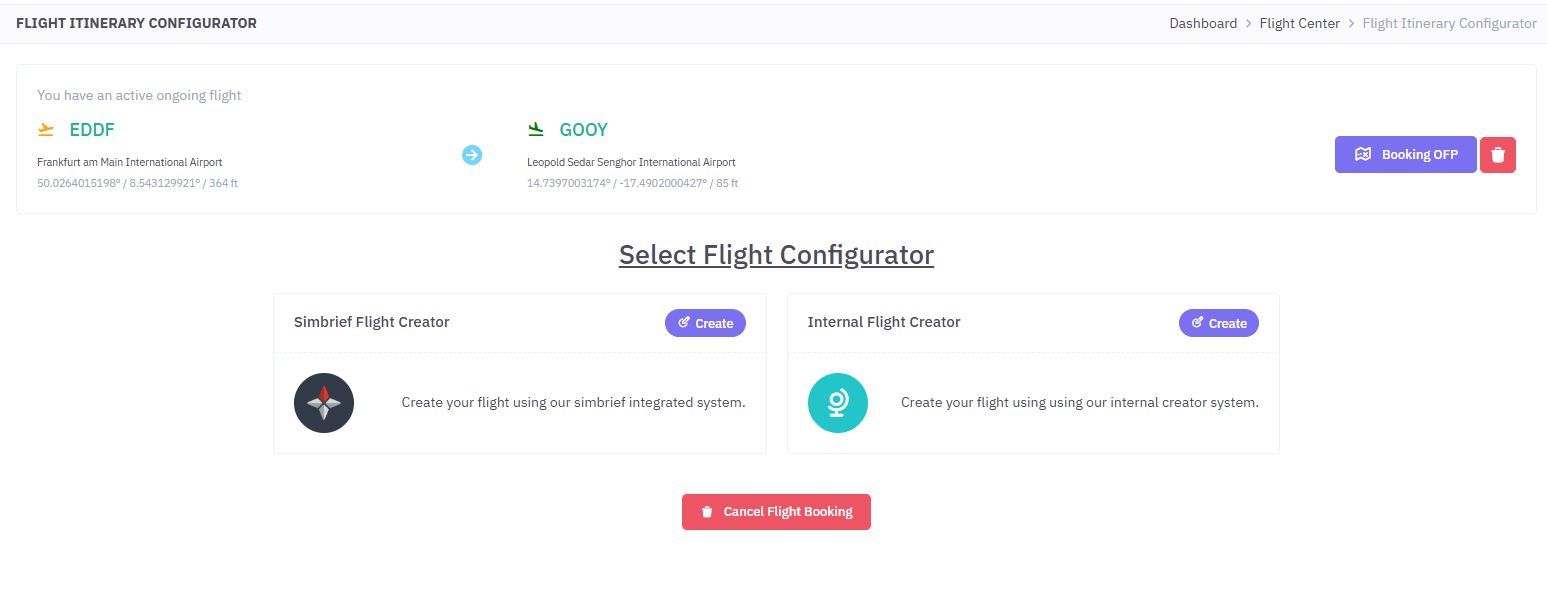
Now you have two options, you can either generate your flight plan using SimBrief or using our Internal Flight Creator tool, the choice is yours.